Plan and save
Night Vision mode
Night Vision applies a red interface treatment so the screen is less disruptive during an outdoor session, provided you also turn the device brightness down.
Turn on Night Vision
Select the eye button on the right-side toolbar. Sky Map 2000 applies a deep-red treatment across the app interface and remembers the setting in the current browser.
Use it as part of your setup
Dark-adapted eyes are less sensitive to red light, so a subdued red display is less disruptive than a bright white or blue interface. It is a help, not a guarantee: turn the device brightness down, keep other bright screens away and allow your eyes enough time to adapt.
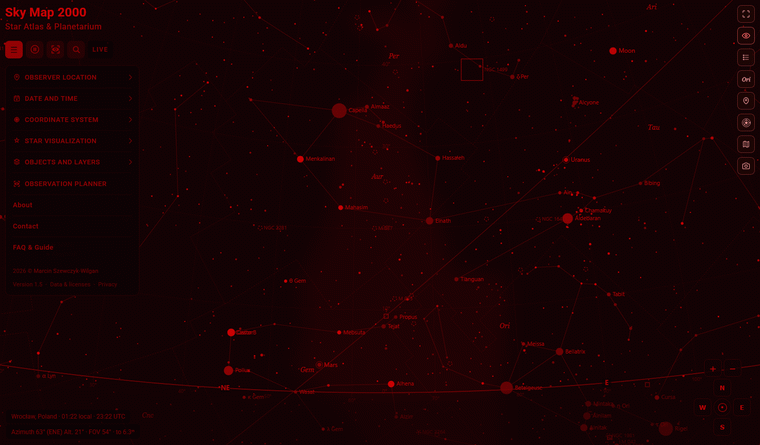
Night Vision and Star Atlas mode
Night Vision belongs with the normal dark map. Star Atlas mode is the opposite: a bright, print-style display with a warm paper background and dark symbols. Use Atlas mode for daytime reference and a dark, subdued display for outdoor observing.
For a less crowded night-time view, adjust layers and labels, find a target through search and object cards, then keep the view with PNG export and printing.